
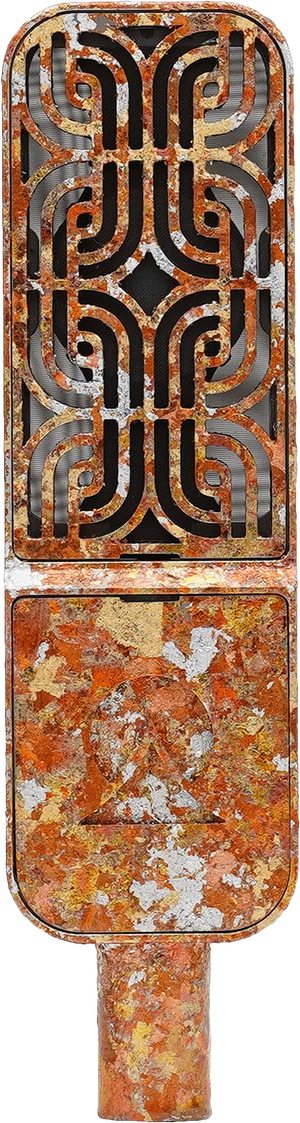
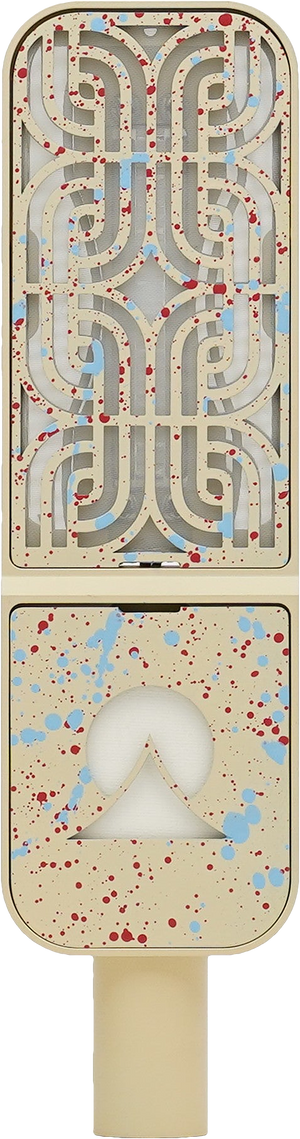
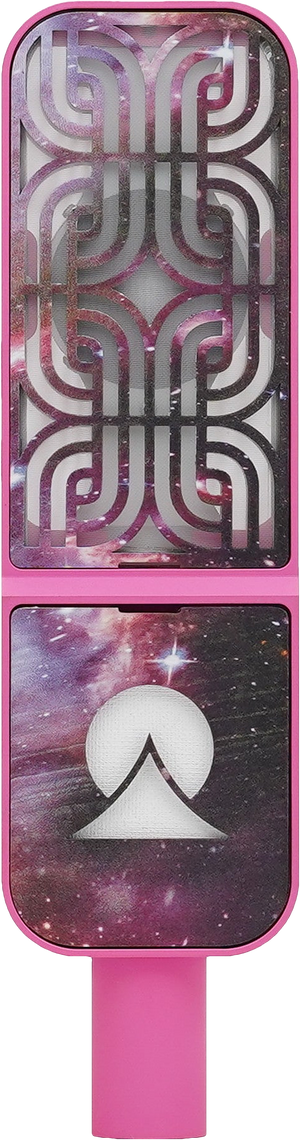
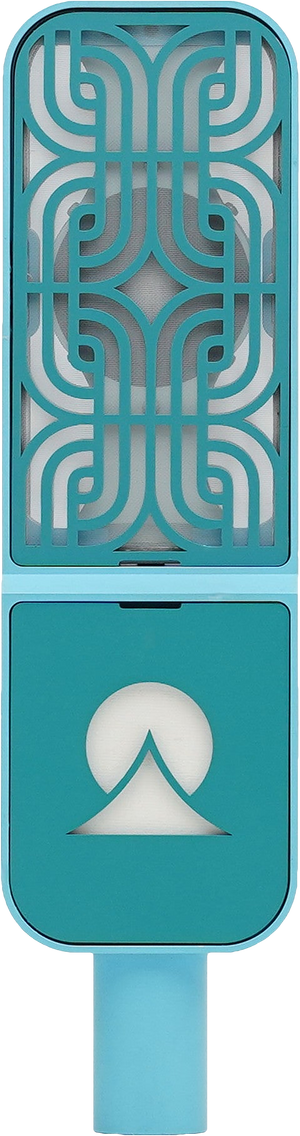
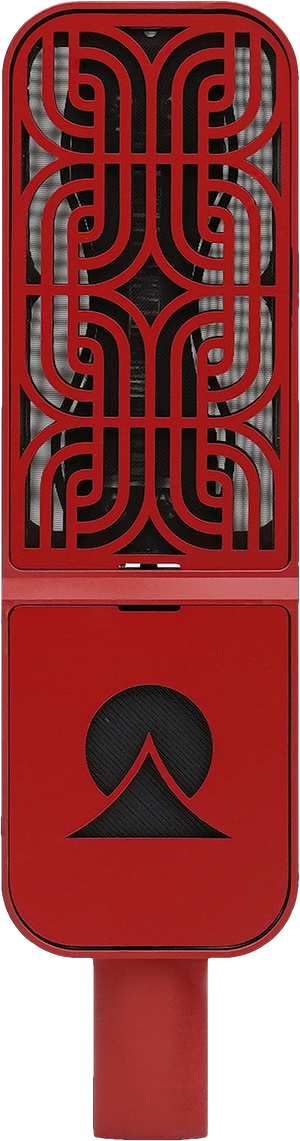


There's a switch on the back of the Ohmie with two settings, 48V and 80V. It changes how the capsule responds to sound, and it's the main reason the Ohmie exists. This guide covers what the switch changes, how each setting sounds, and how to pick one for what you're recording.
The short answer: at 48V the capsule runs at the voltage your phantom power supplies, and it sounds natural, relaxed and balanced. At 80V a step-up circuit inside the mic raises that voltage, and it sounds immediate, punchy and defined, with about 5 dB more sensitivity and no added self-noise. Neither one is the default and neither one is better.
What changes when you flip the switch
A condenser capsule is a thin diaphragm sitting close to a metal backplate, with a voltage held between them. That's the polarization voltage. When sound moves the diaphragm, the distance between the two changes, and that change becomes your signal.
Most condenser mics run their capsule at one fixed voltage. The Ohmie gives you two. Raising the voltage makes a stronger field between the diaphragm and backplate, so the same movement of air produces more signal, and the capsule behaves differently.
The switch doesn't touch the rest of the mic. Your signal takes the same circuit in both settings; only the capsule changes. Both settings run on standard 48V phantom power from your interface, preamp or recorder. The Ohmie makes its own 80V inside.
What 48V sounds like
Natural. Relaxed. Balanced. The source keeps its movement and natural dynamics, with the full low end and a smooth top intact. People who've used it describe 48V as smooth, open and easy on the ear. It lets a sound sit where it sits.
What 80V sounds like
Immediate. Punchy. Defined. The source comes forward, with more punch and definition. The capsule is also about 5 dB more sensitive, so the mic puts out more signal before it ever reaches your preamp, and you need less gain downstream. That isn't a gain knob on the outside of the mic. The capsule itself is responding differently.
How to choose
Choose for the result you want, not the instrument. If you want something to keep its natural movement and sit back in the mix, start at 48V. If you want it to pop and come forward, start at 80V.
If you're not sure, record a take in each and listen back. Turn the 80V take down about 5 dB first so you're comparing character, not volume.
Hear them side by side
We recorded five sources at both settings for the Ohmie listening library: electric guitar, acoustic guitar, vocals, drums and electric bass. Every clip is level-matched, with no EQ or compression, so the difference you hear is the capsule.
Using the switch
- You can flip it any time, even mid-session. It makes a small pop, so turn your speakers or headphones down first.
- The Ohmie has a lot of output in both settings. On loud sources like a kick drum or a cranked amp, switch on the pad on your interface or preamp.
- It works anywhere you have an XLR input and 48V phantom power. We've used it with interfaces, studio preamps, and Zoom and Sound Devices field recorders.
Questions
Is 80V better than 48V?
No. They're two characters, and neither is the default. 48V is natural, relaxed and balanced. 80V is immediate, punchy and defined.
Do I need 80V phantom power to use 80V?
No. The Ohmie runs on standard 48V phantom power in both settings. A step-up circuit inside the mic raises the capsule voltage to 80V when you flip the switch.
Is 80V just louder?
It's about 5 dB more sensitive, so the same sound produces more signal. It also sounds different, more immediate and defined, because the capsule itself responds differently. To compare the two fairly, turn the 80V take down about 5 dB.
Does 80V add noise?
No. The extra sensitivity comes with no added self-noise.
Does the switch change the mic's circuit?
No. The signal takes the same circuit in both settings. Only the voltage on the capsule changes.
Can I switch while recording?
Yes, any time. It makes a small pop, so turn your speakers or headphones down first.
Which setting should I use for vocals, guitar or drums?
Choose for the result, not the instrument. Start at 48V when you want a source to keep its natural movement, and at 80V when you want it to come forward. Try a take in each.
Does it work with a field recorder?
Yes, with any recorder that has an XLR input and 48V phantom power. We've used it with Zoom and Sound Devices recorders.
What do I do on loud sources?
The Ohmie has a lot of output in both settings. On a kick drum or a loud amp, switch on the pad on your interface or preamp.
The Ohmie is $349 and ships from our workshop in East Los Angeles. Get the Ohmie, or read the announcement for the full story.


